Digital Menu via QR Code

Create QR Code Menu – Easy & Free

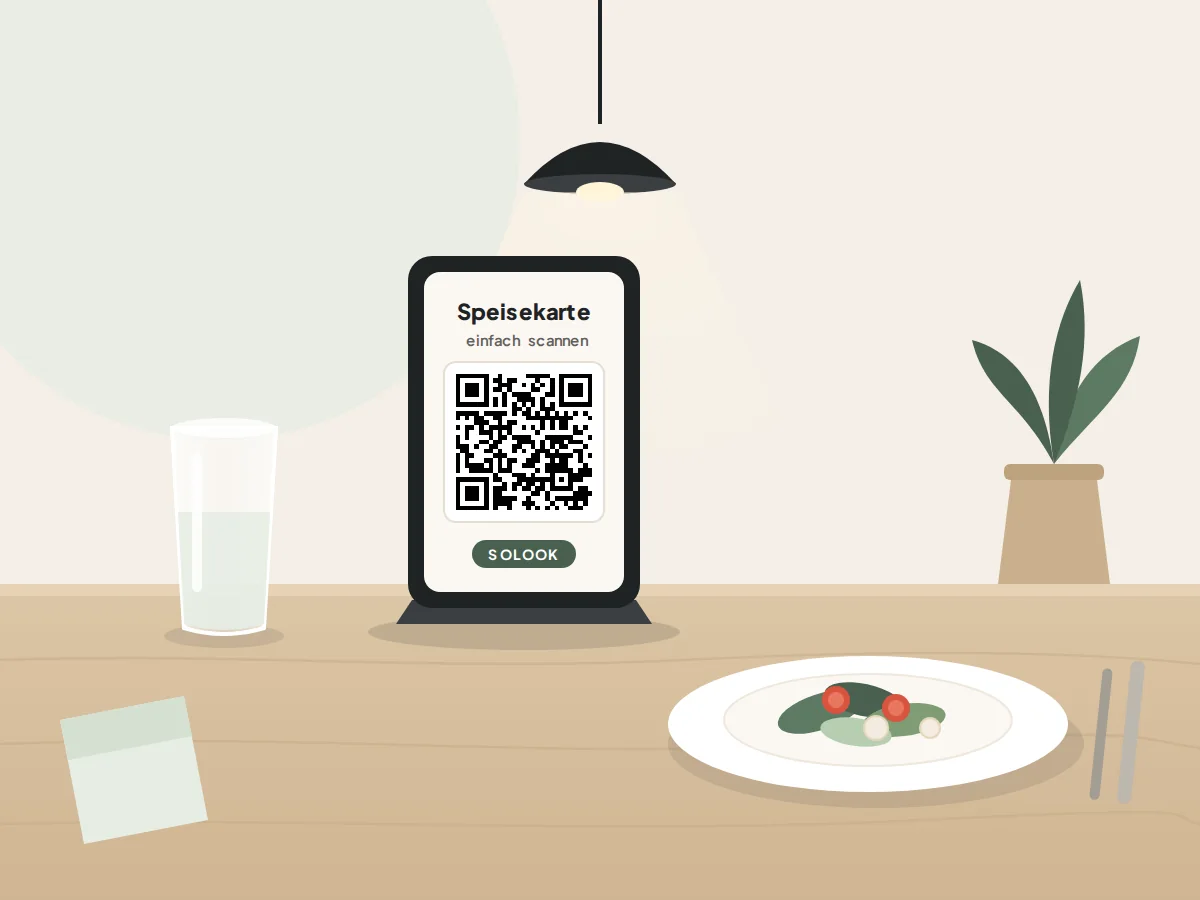
Create your digital menu with QR code for restaurant, café, or takeout. Your guests scan the code and view your menu directly on their smartphone – without an app.

  • Try PLUS free for 6 months
  • No credit card or bank details required
  • No app installation needed

Why solook?

Benefits of a QR Code Menu

No extra app required

Guests do not need to download an application from the App Store or Google Play Store, nor do they need to free up device storage. The smartphone camera instantly recognizes the QR code and opens the menu directly in the browser.
Update your menu at any time

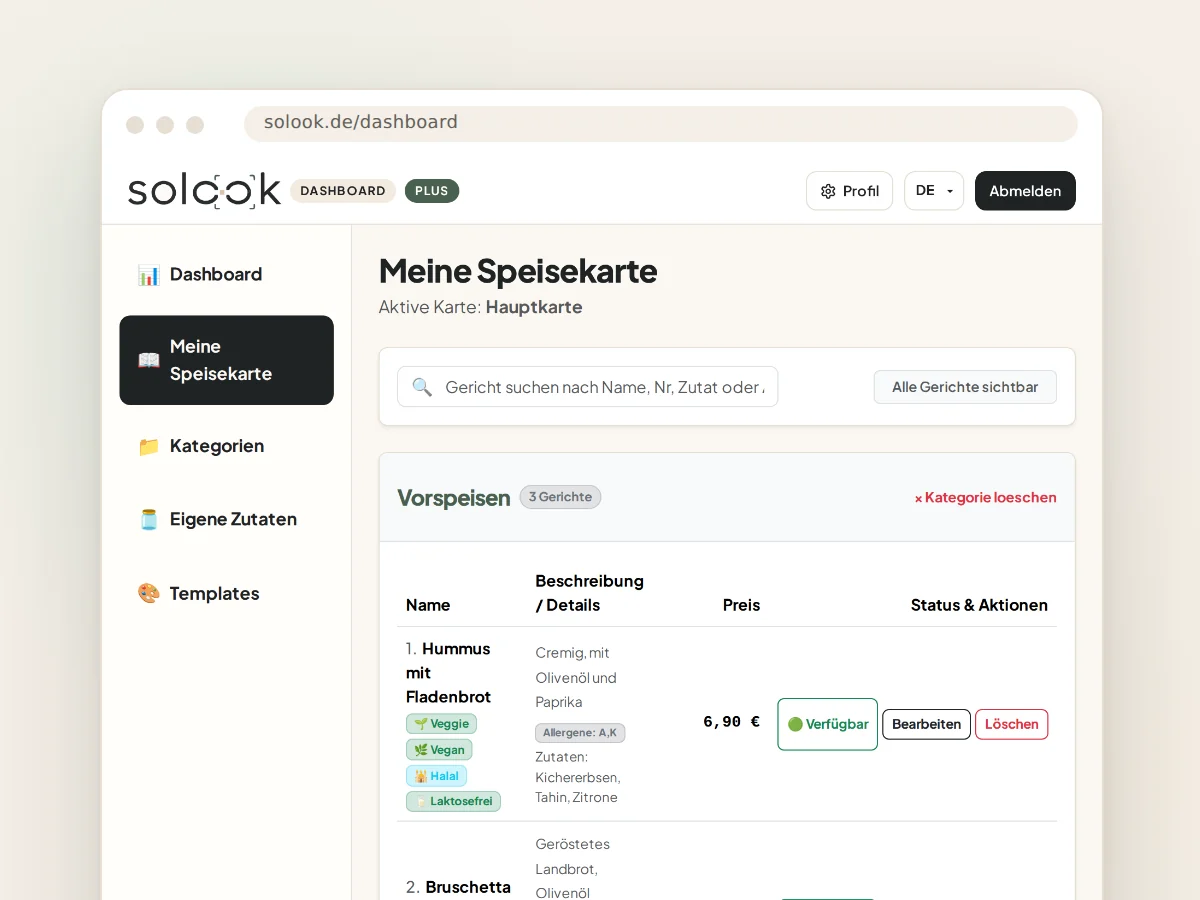
Daily specials, seasonal selections, or sold-out dishes can be updated in seconds via your dashboard. All changes are immediately visible to your guests in real time.

No reprints for price adjustments

Cut down on recurring printing costs while conserving paper and resources. Price updates or textual corrections no longer require reprinting paper cards.

Mobile-optimized presentation

Say goodbye to unreadable PDF files and tedious zooming on small mobile screens. Dishes, drinks, and prices are clearly structured into touch-friendly categories.

Multilingual digital menu

Welcome international guests in their preferred language. Your menu seamlessly supports German, English, and Turkish, effortlessly eliminating language barriers.

Filter allergens and dietary preferences

Guests with food allergies or specific dietary choices (such as vegetarian, vegan, nut-free, or excluding specific meat types) can find suitable dishes with a single tap. This noticeably eases the workload for your service staff.

Ready in 3 steps

How to Create Your QR Code Menu

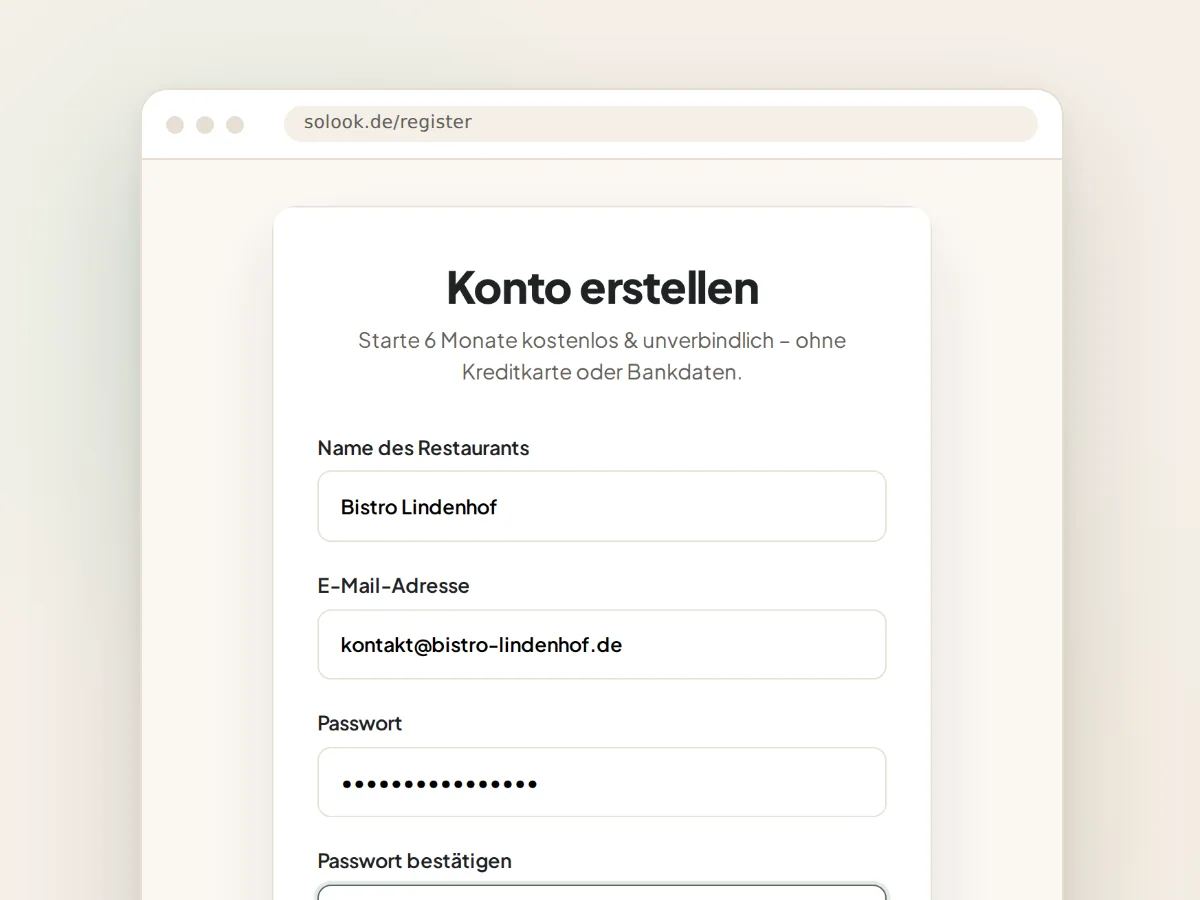
  1. Register for free with solook
    01

    Register for free with solook

    Create your free restaurant account in under two minutes. You start automatically with 6 months of free PLUS access – no credit card or payment details required.

  2. Add your dishes, prices, and info
    02

    Add your dishes, prices, and info

    Set up your categories, meals, descriptions, and prices in the easy dashboard. Alternatively, you can book our optional setup service to digitize your menu for you.

  3. Display your QR code & delight guests
    03

    Display your QR code & delight guests

    Download your print-ready QR code. Place it on tables, stands, or your counter – guests scan it and browse with ease.

Interactive Preview

Test the QR Code Menu Live

Experience solook just as your guests do. Test our sample digital menu directly on your smartphone or in your desktop browser – no registration required.

QR-Code zur Live-Demo
Scan with your smartphone

Open your phone's camera app and point it at the QR code to test the mobile live demo directly.

Ristorante MyGastro

Scanne den QR-Code mit deinem Smartphone oder klicke auf die Schaltfläche, um die Live-Speisekarte direkt im Browser zu testen. Überzeuge dich selbst von der schnellen Ladezeit, den Allergenfiltern und der Mehrsprachigkeit.

Tailored for your business

Who Is the QR Code Menu For?

Bars & Bistros

Cocktail menus, draft selections, and finger foods are comfortably legible on illuminated phone screens even in dim ambient lighting.

Everything modern hospitality needs

All Features of Your QR Code Menu

QR code for digital access

Custom high-resolution QR code for tables, stands, or windows. Print once, stay up to date forever.

Real-time updates

Adjust prices, dishes, or notes in your dashboard – changes are reflected immediately on guests' screens.

Smart dietary filters

Guests filter effortlessly for vegetarian or vegan dishes and exclude nuts or specific meat and fish types (e.g. pork, beef, poultry, fish, seafood) in one click.

Multi-language support

Provide your menu in German, English, and Turkish so tourists and international guests feel welcome.

Mobile optimized for touchscreens

Fast loading times, intuitive navigation, and clean design across all iOS and Android devices without app downloads.

Fair Pricing

Pricing & Plans for Your QR Code Menu

Complete transparency with zero hidden costs. Every account starts with 6 months of free PLUS – afterwards you decide freely.

6 months free

6 months of PLUS – free for everyone

Every new account automatically starts with all PLUS features. No credit card, no bank details, no cancellation needed.

Option 1

Keep PLUS

€7.90 per month · billed annually

Everything from your 6 trial months stays exactly as it is – your own logo, unlimited dishes, multiple languages.

  • Unlimited categories and dishes
  • Own logo and no solook branding
  • Multilingual menus included
  • Edit prices and dishes at any time
  • Ideal for restaurants, cafes, bars and hotels

Option 2 · automatic

Continue with Free

€0 free forever

If you don't book anything, your account switches to Free automatically – no cancellation needed. Free includes:

  • Up to 5 categories
  • Up to 15 dishes per category (max. 75 dishes)
  • 1 language
  • QR code included
  • solook branding visible
  • No data deletion: all content is preserved
Nothing gets deleted: your dishes, categories, and settings remain permanently saved even if you switch to Free.

* All stated prices are final prices. Pursuant to § 19 UStG (German small business regulation), no VAT is charged and therefore not shown.

€99 one-time – incl. 12 months PLUS We set up your entire menu for you – including allergens and additives.

Frequently Asked Questions

Frequently Asked Questions About the QR Code Menu

How do I create a QR code menu?

Sign up for free on solook, add your dishes, beverages, and prices in the dashboard, and download your unique QR code. You can print the code immediately and place it on your tables or counter.

Is a QR code menu free of charge?

Yes. Every new account begins with 6 months of free PLUS access – without entering credit card or payment details. After the trial, the account automatically moves to the permanently free Free tier unless you choose a paid PLUS subscription.

Do guests need an app?

No. Guests do not need a special app. Simply scanning the QR code with the standard smartphone camera (iOS or Android) opens the menu instantly in the mobile web browser.

Can I change prices and dishes at any time?

Yes. All adjustments to prices, items, or daily recommendations are done instantly in your dashboard. The changes appear on your guests' screens immediately, without needing to reprint the QR code.

Can I display allergens and additives?

Yes. solook supports declaring all 14 major allergens and standard additives. Guests can filter out specific allergens or meat types with one click or explore vegetarian, vegan, and other diets.

Does a QR code menu work on every smartphone?

Yes. The digital menu is engineered as a responsive web app and works on all modern smartphones running iOS (Safari) or Android (Chrome, Samsung Internet, etc.) equipped with a camera QR scanner.

Ready for your digital QR code menu?

Get started in just minutes – free, without payment details, and with all features included.